
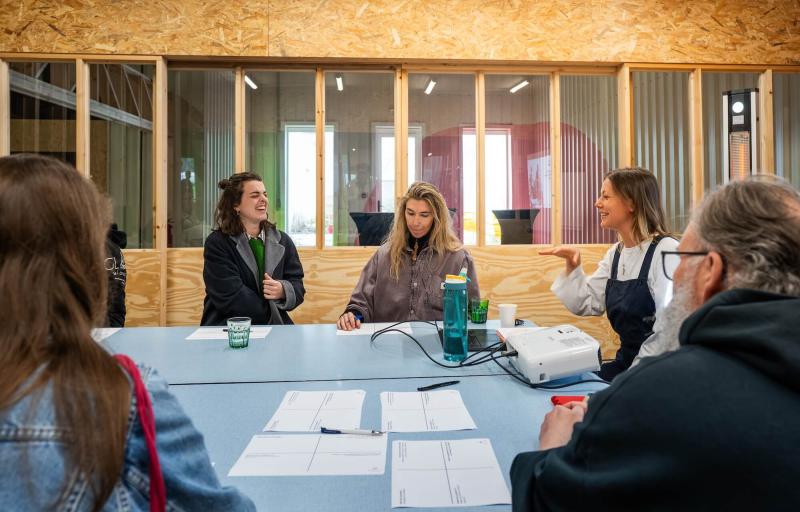
Per hour
The meeting room
Room layouts · presentation equipment
- Book the room
- Additional services
- Stay overnight?Optional, if available
For venues
Show what makes your venue special. Give each room its own presentation, prices and booking options.
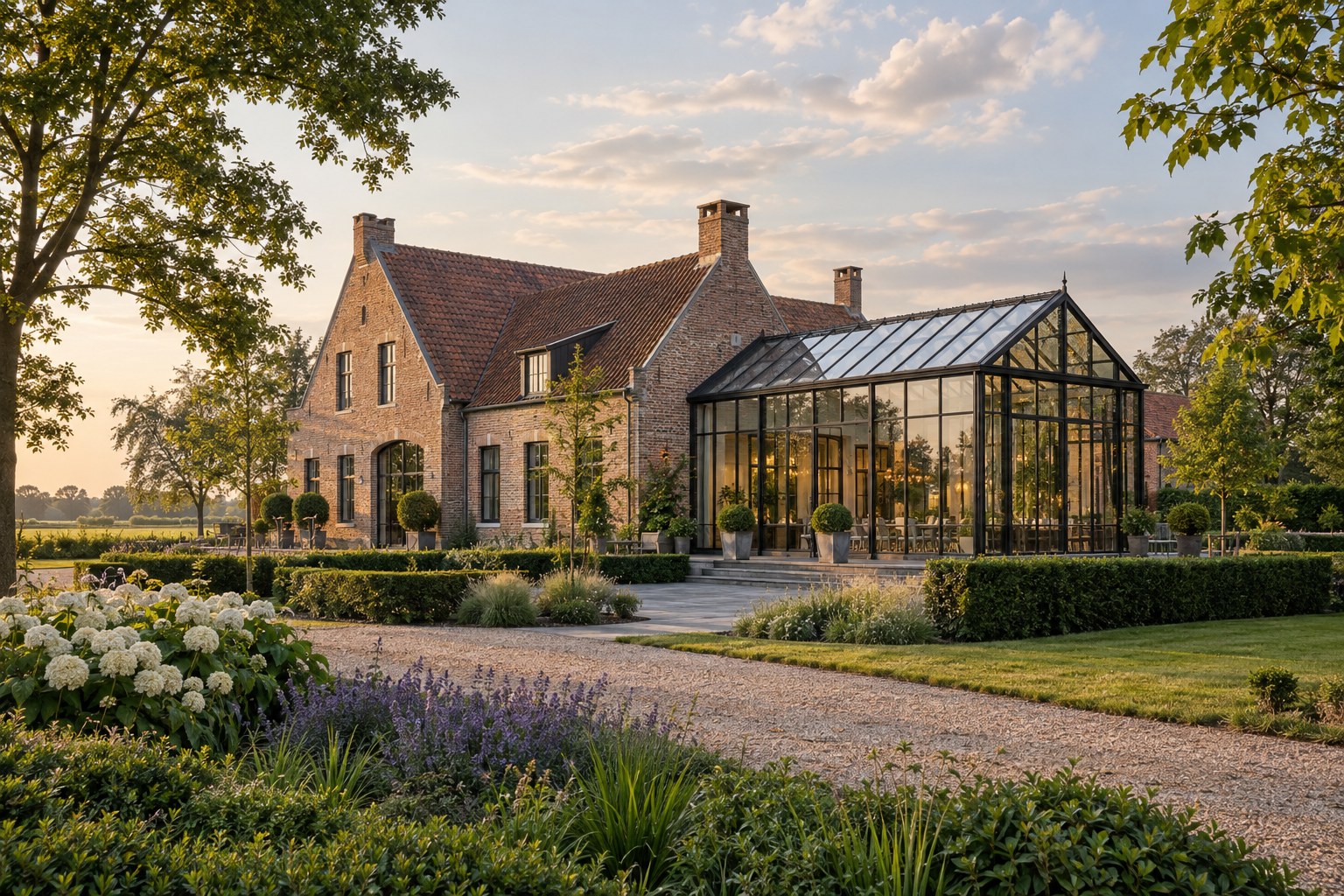 Fictional example
A place for every kind of event
A meeting, dinner or workshop needs a suitable room. Help organisers find the space that fits their plans.
Shared address, accessibility and facilities
Room layouts · presentation equipment
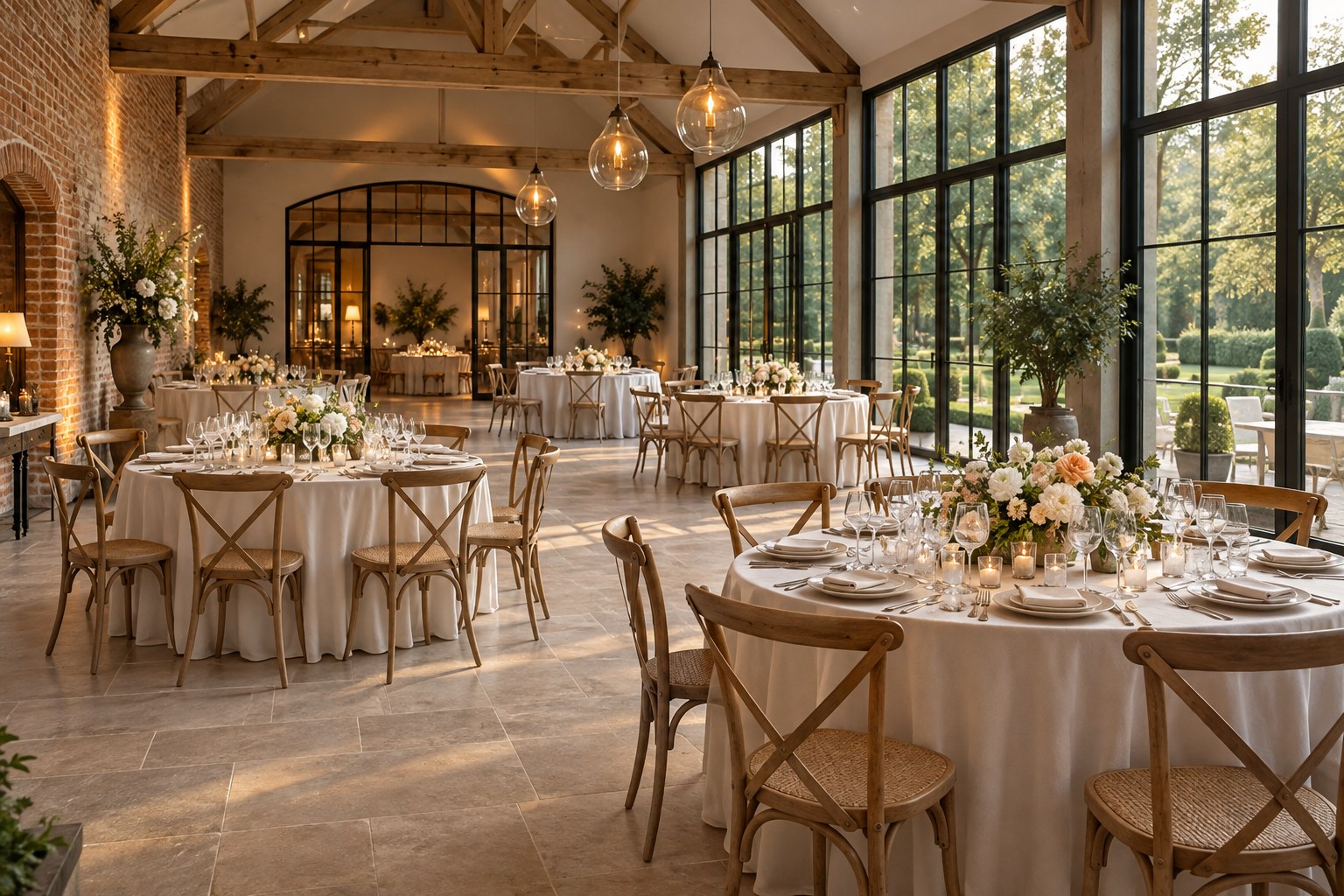
Menus · drinks · additional services
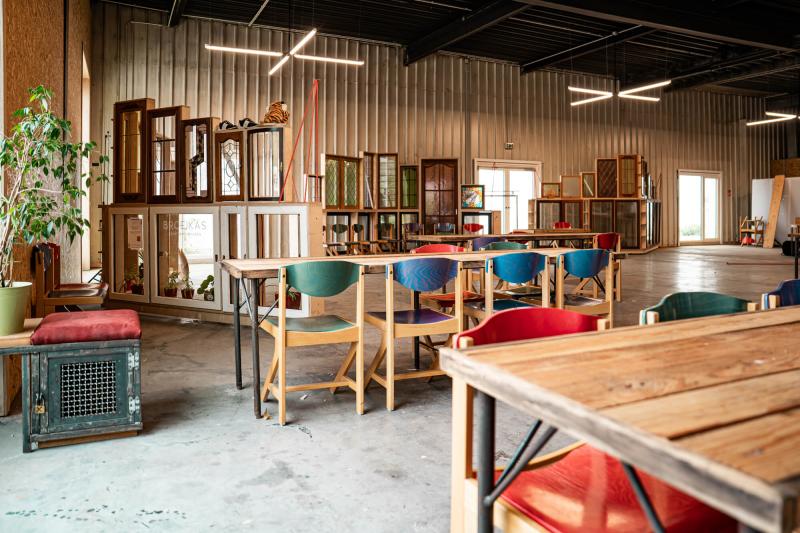
Materials · equipment · practical details
Each room has its own photos, capacity, facilities and availability.
An illustration of the possibilities. All example names, images, capacities and offers are demonstration material.
A lighter start
Use what you already have, or enter everything yourself. You stay in control of your presentation.
Provide your website, photos and documents. AI helps prepare descriptions, recognise information and suggest where images belong.
Create your venue and rooms manually. Add photos, choose facilities and enter your prices at your own pace. AI is optional.
Find your formulaWith AI or manually: you check your information before saving.
Your offer, your way
Bring room hire, arrangements and extras together. Organisers can see what is included and make their choices.
Per hour, day or person, with minimum quantities and quantity-based prices where appropriate.
Offer menus, equipment, additional services and overnight stays when available at your venue.
Manage availability per room, including occupied periods and time for setup and cleanup.
Confirmation and payment follow the applicable booking conditions and the venue’s configured process.
Soon, in pictures
A short introduction to presenting your venue, adding rooms and receiving bookings. The video will appear here when it is ready.
A clear choice
Both formulas let you present your venue and rooms. Choose how you want to combine membership costs and booking commission.
one-time activation, excluding VAT
Your credit is used for booking commissions. Purchased credit does not expire and is not paid out in cash.
Commission per booking: minimum €5,99, maximum €1 000.
How is the Partner commission calculated?Start as Partnerper year, excluding VAT
Your annual price depends on the combined maximum capacity of your rooms.
Commission per booking: minimum €4,99, maximum €350.
View annual prices by capacityStart as VIPIncluded in both: room presentations, pricing options, availability and manual entry or AI assistance.
Membership and commission amounts exclude VAT. Payment-provider costs and optional paid services are separate.
Your annual price depends on the combined maximum capacity of your rooms.
| Combined room capacity | Annual membership |
|---|---|
| Up to 20 | €99 |
| 21 to 50 | €199 |
| 51 to 100 | €299 |
| 101 to 250 | €399 |
| 251 to 500 | €499 |
| 501 to 1000 | €799 |
| Above 1000 | €999 |
Each percentage applies only to its part of the booking value excluding VAT, within the stated minimum and maximum.
| Part of the booking value | Commission rate |
|---|---|
| Up to €250 | 10% |
| €250 to €500 | 8% |
| €500 to €1 000 | 7% |
| €1 000 to €5 000 | 5% |
| €5 000 to €20 000 | 3% |
| Above €20 000 | 1,50% |
Practical questions
No. You can create and edit your venue and rooms manually. AI assistance is an optional way to prepare your information.
No annual membership applies to Partner. The activation gives you commission credit; without bookings, that credit remains unused.
Depending on your activated payment route, customers pay through Mollie or directly to your venue with commission credit. The available route and conditions are explained during onboarding.
First create your account, prepare your venue and rooms, and complete the required activation steps. Creating an account alone does not publish your venue.
For venues
Choose your formula. Then build your presentation with AI assistance or manually, at your own pace.